Short answer
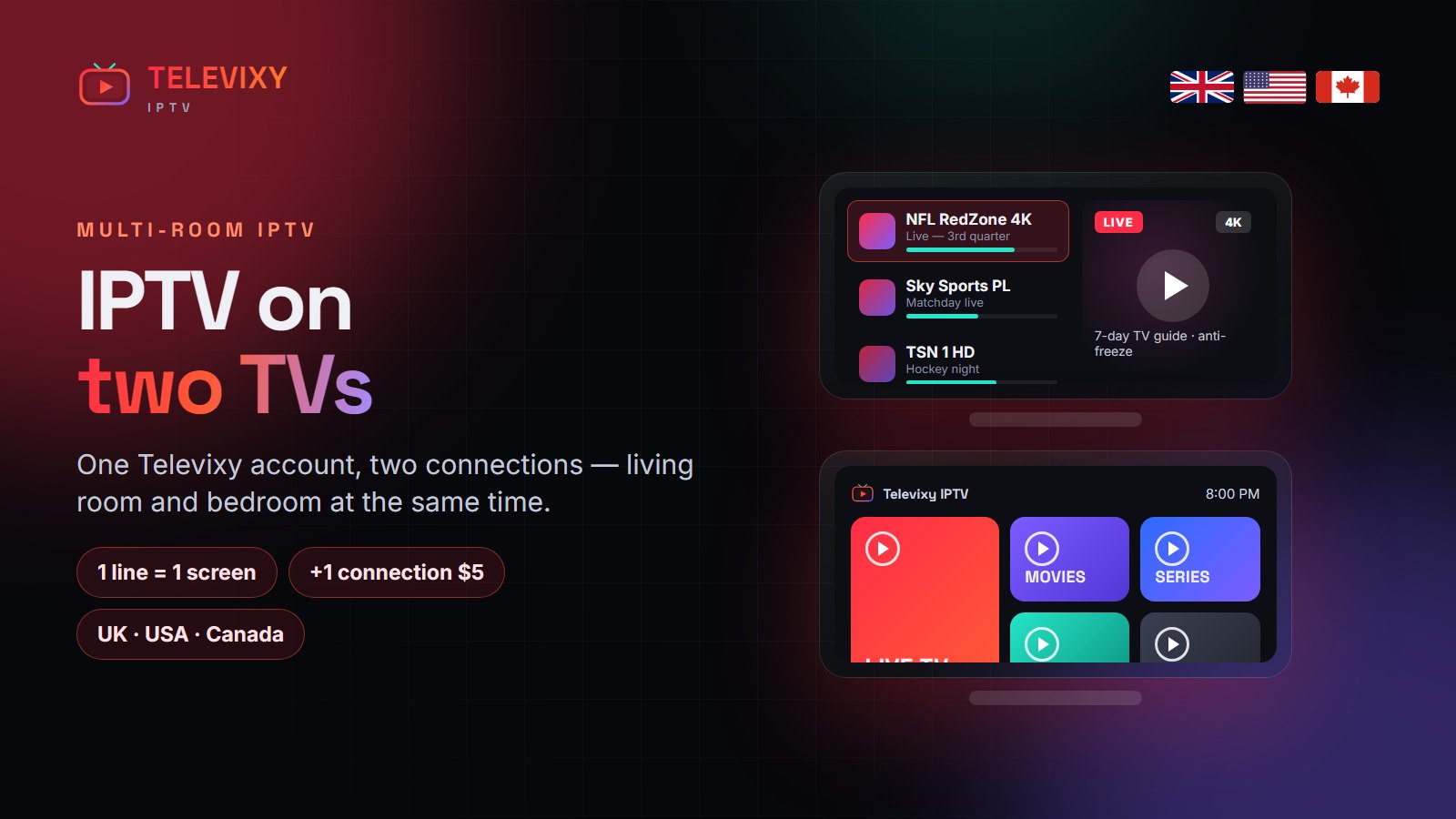
One IPTV line streams on one screen at a time. To watch on two TVs at once you need a second connection: with Televixy that is about $5 a month equivalent on top of your plan, or the family pack (+30%) for three screens. You can install the app on as many devices as you like — only simultaneous streams count.
It is the most common question after people order: “can my partner watch in the bedroom while I watch the match downstairs?” Here is how IPTV connections work, and the cheapest way to cover a household.

Installs vs connections
An install is the app on a device. A connection is a stream playing right now. A standard Televixy line has one connection, so you can install it on the living room Firestick, the bedroom TV and your phone, and use whichever you like — one at a time. If two play together, the second one stops the first, and repeated overlaps can lock the line.
Your options for two or more screens
| Option | Cost | Screens at once | Good for |
|---|---|---|---|
| Standard plan | From $15 | 1 | Single viewer, several devices |
| +1 connection | +$5 / month equivalent | 2 | Couples, living room + bedroom |
| Family pack | +30% on any plan | 3 | Families, kids’ room included |
| Separate line | Full plan price | 1 each | Different households |
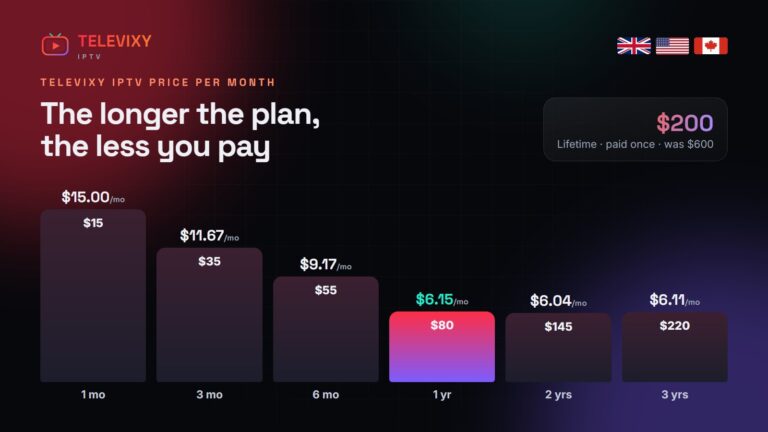
Adding a connection keeps one expiry date and one renewal, which is cheaper and simpler than two subscriptions. Prices for every plan are on the pricing page.
Network tips for two streams
- Two 4K streams need about 50 Mbps of stable bandwidth; two HD streams about 20 Mbps.
- Put the busiest TV on Ethernet so it does not compete for Wi-Fi.
- If one TV buffers only when the other is on, the bottleneck is your router — not the service.
More IPTV guides worth reading
Other guides about multi-screen IPTV setups:
- Tivo 8K’s free-trial guide — how to run a 24-hour test properly.
- StrimoIPTV — an IPTV service with a deep live-sport and PPV schedule.
- Nexomir’s Firestick install guide — Downloader codes and the two settings people miss.
Frequently asked questions
Can I use one IPTV subscription on two TVs?
You can install it on both, but only one can stream at a time. Add a second connection to watch on both at once.
How much is a second Televixy connection?
About $5 a month equivalent on top of your plan, with the same expiry date.
What is the Televixy family pack?
Three simultaneous streams for 30% on top of any plan.
What happens if two TVs stream at once on one line?
The second stream stops the first. Repeated overlaps can lock the line, so add a connection instead.
Add a second TV in one message
Tell us your plan and how many screens you need — we quote it on WhatsApp in minutes.