Short answer
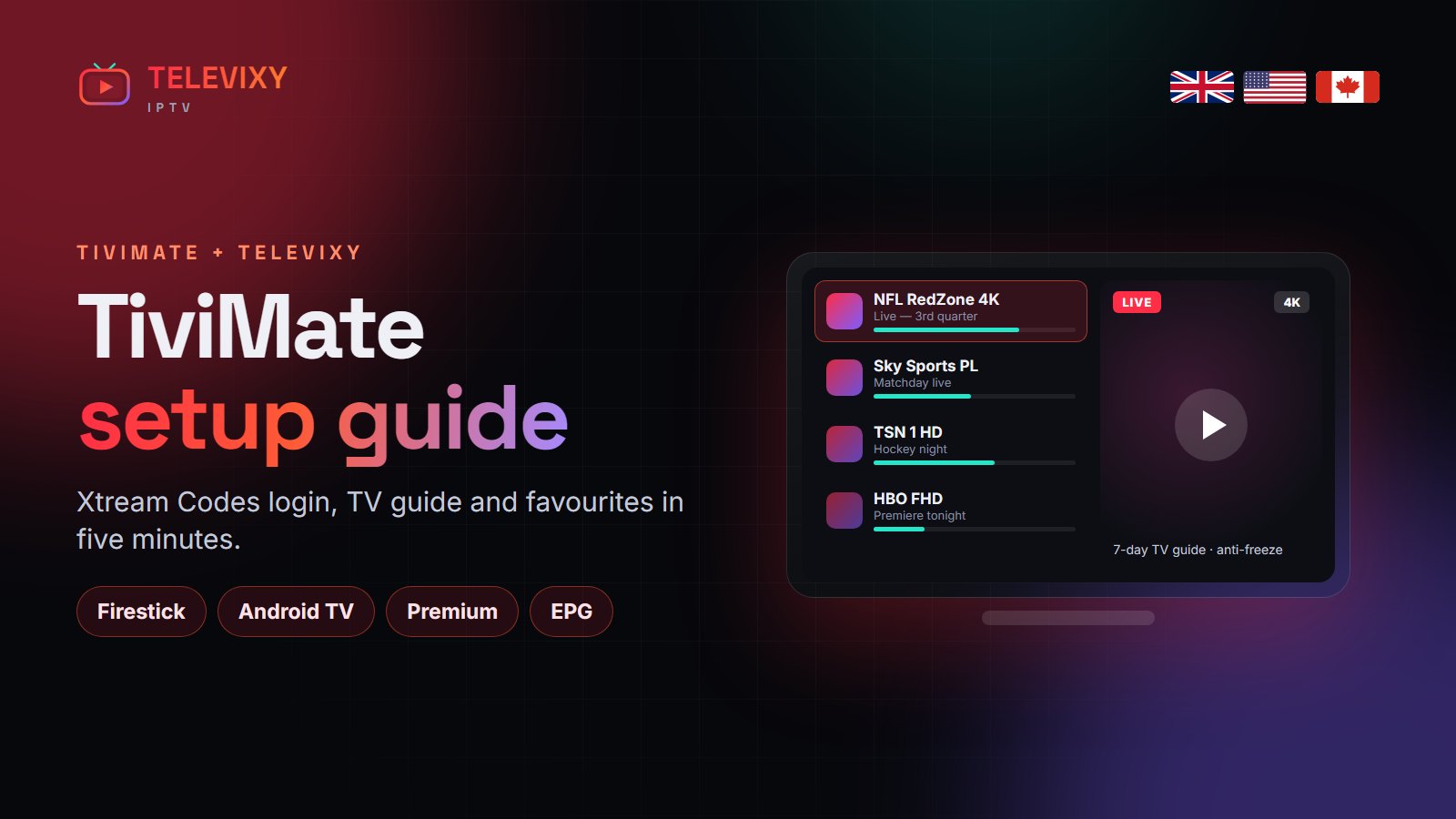
To use Televixy in TiviMate: install TiviMate, choose Add playlist → Xtream Codes, enter your Televixy username, password and server URL, then let the EPG load. TiviMate Premium (about $10 a year) adds catch-up, recording, multiple playlists and favourites — worth it if you watch live TV every day.
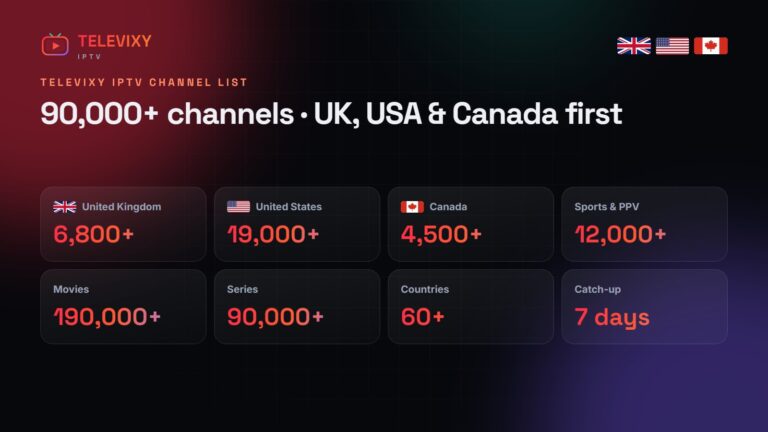
TiviMate is the closest thing to a real set-top box you can put on a Firestick or Android TV, and it is the player most Televixy customers end up on. Here is the full setup, the settings we change on every install, and how to keep a 90,000-channel playlist fast.

Install TiviMate
- Android TV / Google TV / NVIDIA Shield: install it from Google Play.
- Firestick / Fire TV: enable unknown apps for Downloader, then install TiviMate through Downloader with the address we send you.
Add your Televixy playlist
- Open TiviMate → Add playlist → Xtream Codes.
- Server address: the URL from your Televixy welcome message (with
http://and the port). - Username and password: exactly as sent — they are case-sensitive.
- Name the playlist Televixy, tick Include VOD if you want films and series inside TiviMate.
- Press Next and wait for channels and EPG to load.
The settings we change on every install
| Setting | Where | Set to |
|---|---|---|
| EPG update interval | Settings → EPG | Every 24 hours |
| Hide unused countries | Long-press a group → Hide | Keep only what you watch |
| Buffer size | Settings → Playback | Medium or large |
| Decoder | Settings → Playback | Hardware (try Hardware+ if 4K stutters) |
| Time shift | Settings → EPG | Match your time zone (UK, ET, PT…) |
Hiding the countries you never watch is the single biggest speed-up in TiviMate. Your line still carries everything; the app just stops drawing it.
TiviMate Premium: is it worth it?
The free version shows one playlist with the guide. Premium unlocks catch-up from the guide, recording to USB or network storage, multiple playlists, favourites groups and parental PIN. For daily live TV, yes — it is the best few dollars you will spend on IPTV.
Common TiviMate problems
- Guide empty: Settings → EPG → Update EPG; check the time zone.
- Login error: re-type the server URL — a missing port is the usual cause.
- Channel stutters: switch the decoder for that channel, then report it on WhatsApp if it persists.
More IPTV guides worth reading
Other TiviMate walkthroughs worth bookmarking:
- TrendyScreen’s TiviMate guide — every TiviMate setting worth changing, screen by screen.
- Nartiel8K’s TiviMate guide — TiviMate Premium, EPG and playlists set up in minutes.
- Nexomir’s Xtream Codes vs M3U explainer — which login type to use in which app.
Frequently asked questions
Does Televixy work with TiviMate?
Yes. Choose Add playlist → Xtream Codes and enter your Televixy server URL, username and password.
Do I need TiviMate Premium?
No, the free version works. Premium adds catch-up, recording, multiple playlists and favourites groups.
Why is my TiviMate guide empty?
Update the EPG in settings and check the time zone. It takes about a minute the first time.
Get your TiviMate login
Order or take the 24-hour trial — your Xtream Codes details arrive on WhatsApp in minutes.