Short answer
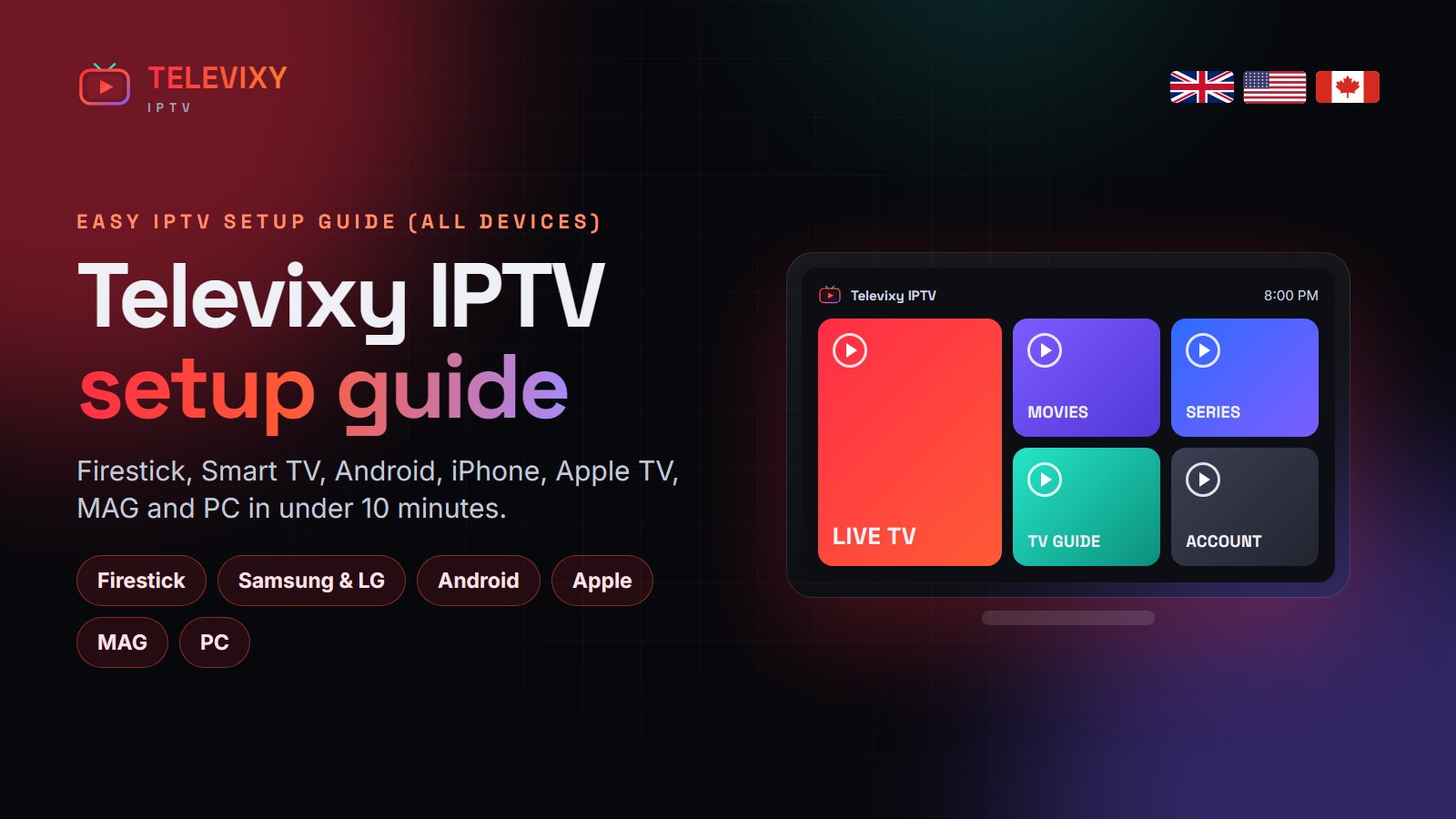
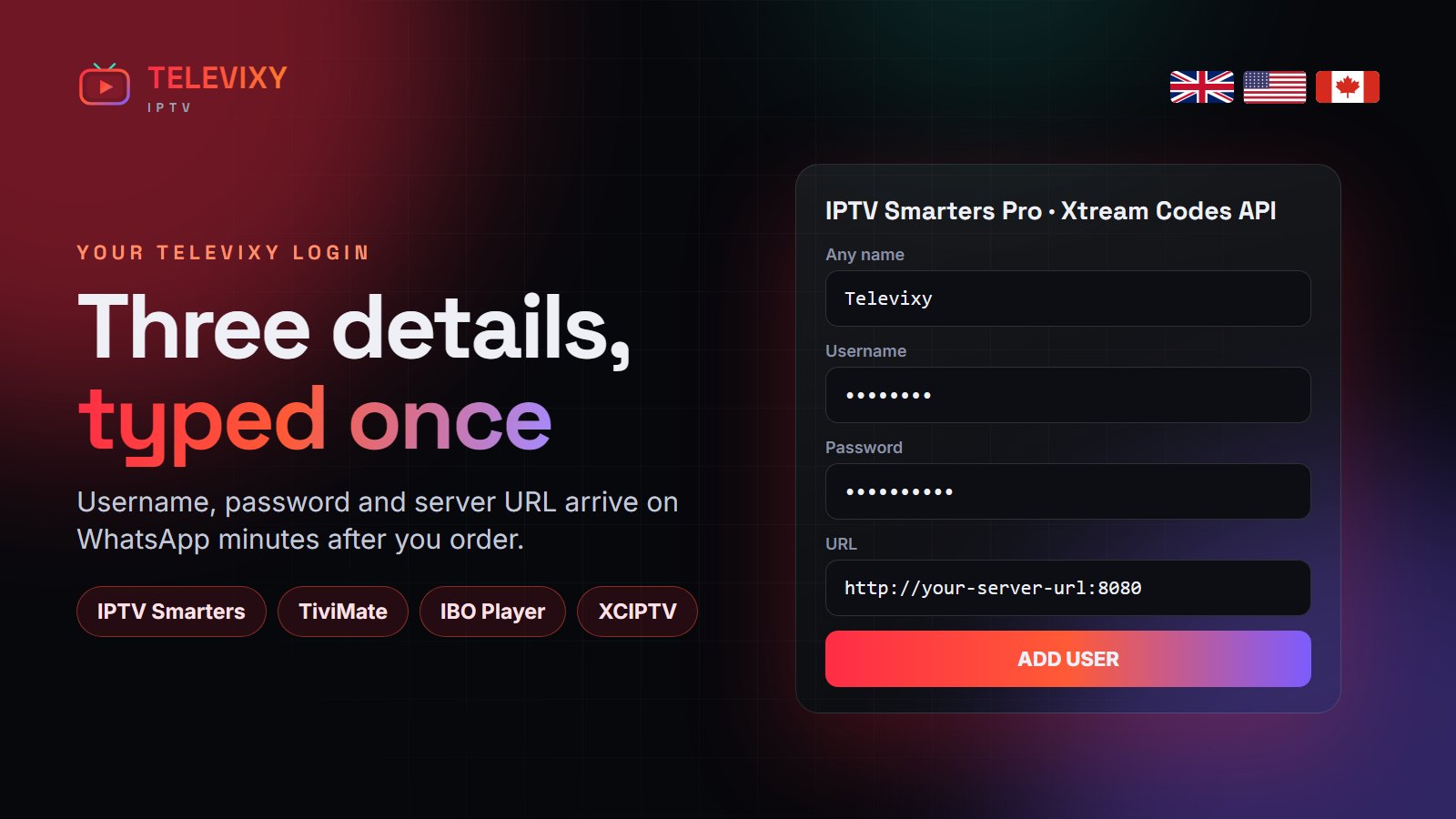
To install Televixy IPTV, pick a player app for your device (TiviMate or IPTV Smarters on Firestick and Android, IBO Player on Samsung and LG, Smarters Player Lite on iPhone and Apple TV), then enter the three login details we send you: username, password and server URL. On MAG boxes you enter the portal URL instead. Most installs take under 10 minutes.
Whatever you watch on, a Televixy install always follows the same pattern: install a player, type your login, wait for the channels and guide to load. The only thing that changes is how you get the player onto the device. Below are the exact steps for each.

What you receive after ordering
- Xtream Codes login — username, password and server URL. This is what most apps use and it loads the guide and VOD posters automatically.
- M3U link — one long URL with your login inside, for players that only take playlists.
- MAG / STB portal — a portal URL for MAG, Formuler and Enigma2 boxes, locked to the device’s MAC address.
Amazon Firestick and Fire TV
- Settings → My Fire TV → Developer options → turn on Install unknown apps for Downloader (on newer sticks, tap About seven times first to show Developer options).
- Install Downloader from the Amazon store and open it.
- Enter the download address for TiviMate or IPTV Smarters Pro that we send you, then install.
- Open the app → Add playlist → Xtream Codes → enter your username, password and server URL.
- Wait for the channels and EPG to load (about a minute the first time).
The full walkthrough with the three settings that stop buffering is in our Firestick setup guide.
Samsung and LG Smart TV
- Open the Samsung Apps store (Tizen) or LG Content Store (webOS) and install IBO Player, Smart IPTV or Duplex Play.
- Open the app and note the MAC address and device key shown on screen.
- Send them to us on WhatsApp — we add your Televixy playlist to the app for you, or you upload it on the app’s website.
- Restart the app; your channels appear.
Step-by-step with screenshots: IPTV on Samsung and LG Smart TV.
Android TV box, Google TV and Android phones
- Install TiviMate (TV) or IPTV Smarters Pro (phone) from Google Play.
- Choose Xtream Codes and enter your login.
- Set the EPG update to daily and hide countries you do not watch.
iPhone, iPad and Apple TV
- Install IPTV Smarters Player Lite or iPlayTV from the App Store.
- Choose Login with Xtream Codes API.
- Enter your username, password and server URL.
More apps and tips: IPTV on iPhone, iPad and Apple TV.
MAG, Formuler and Enigma2
- Send us the MAC address printed on the box (00:1A:79:…).
- Settings → Servers → Portals → paste the Televixy portal URL.
- Save and reboot; the portal loads with the guide.
Windows and Mac
Install IPTV Smarters for desktop, or open your M3U link in VLC (Media → Open Network Stream). For a proper TV guide on a PC, Smarters is the better choice.
If something does not work
- “Invalid login” — check for a space at the end of the username or password, and that the server URL includes
http://and the port. - Channels load but the guide is empty — refresh the EPG in the app’s settings and set the correct time zone.
- Everything buffers — move the device to 5 GHz Wi-Fi or Ethernet, then see the buffering fixes.
More IPTV guides worth reading
Different screenshots help some people. These install guides cover the same devices:
- Nexomir’s Firestick install guide — Downloader codes and the two settings people miss.
- NorvikTV’s Firestick setup — a clean Firestick install from scratch.
- StrimoIPTV’s Smart TV guide — the best IPTV setups for Samsung, LG and Android TVs.
Frequently asked questions
How do I install Televixy IPTV on Firestick?
Enable unknown apps for Downloader, install TiviMate or IPTV Smarters through Downloader, choose Xtream Codes and enter your Televixy username, password and server URL.
Which app is best for Televixy?
TiviMate on Firestick and Android TV, IBO Player on Samsung and LG, and IPTV Smarters Player Lite on iPhone and Apple TV.
How long does Televixy setup take?
Usually 5 to 10 minutes. MAG boxes take about 3 minutes once we have the MAC address.
Will you help me install it?
Yes. Message us on WhatsApp with your device and we stay on the chat until it works.
Need a hand with the install?
Tell us your device on WhatsApp — we send the exact steps and stay until the channels load.