Short answer
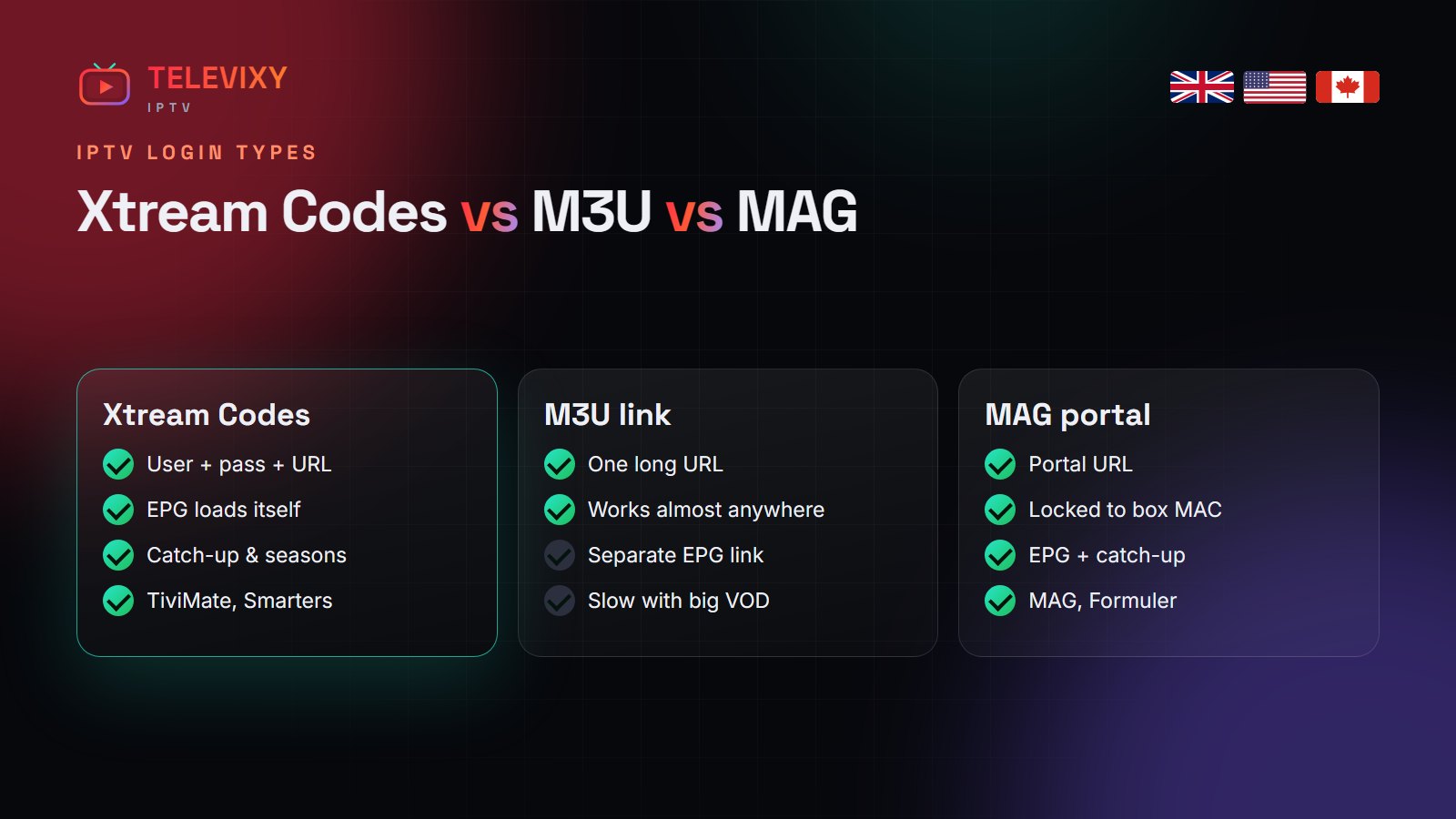
Xtream Codes (username + password + server URL) is the best IPTV login for most apps because it loads the guide, VOD posters and catch-up automatically. An M3U link is one URL that works in almost any player but needs a separate EPG link. A MAG portal is for set-top boxes (MAG, Formuler, Enigma2) and is locked to the box’s MAC address. Televixy gives you all three — use the one your device expects.
When your IPTV login arrives, it usually comes in three formats. They all open the same channels; what changes is how much the app can do with them. Here is the difference, in plain terms.

The three login types side by side
| Xtream Codes API | M3U playlist | MAG / STB portal | |
|---|---|---|---|
| What you enter | Username, password, server URL | One long URL | Portal URL (box MAC registered) |
| TV guide (EPG) | Automatic | Needs a separate EPG URL | Automatic |
| Movies & series | Full posters, seasons | Basic list, slower | Full |
| Catch-up | Yes | Rarely | Yes |
| Best for | TiviMate, Smarters, IBO, XCIPTV | VLC, Kodi, older players | MAG, Formuler, Enigma2 |
Xtream Codes: the default for a reason
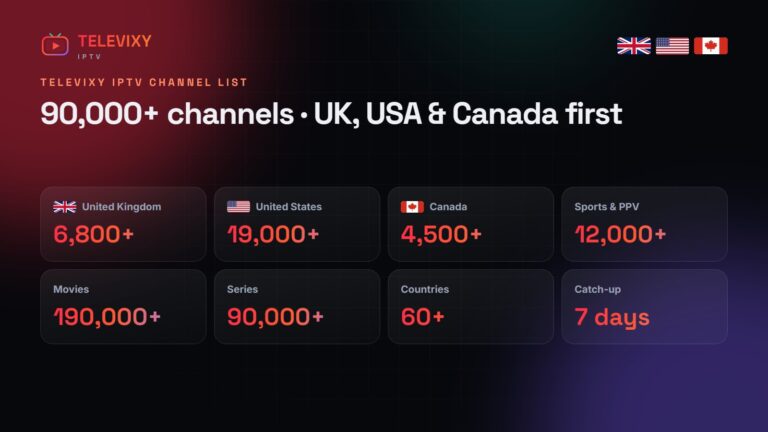
Xtream Codes is an API, not a file. The app talks to the server, asks for categories, the guide and the VOD library, and only downloads what it needs. That is why a 90,000-channel line-up loads quickly in TiviMate or IPTV Smarters with Xtream, and why catch-up and series seasons work.
M3U: the universal fallback
An M3U link is a plain text playlist with your login inside it. Almost every player on earth can open it — VLC, Kodi, GSE, older Smart TV apps. The downside is size: the whole list is downloaded at once, and the guide comes from a separate XMLTV (EPG) link you have to add yourself. If an app offers both, choose Xtream.
MAG portal: for set-top boxes
MAG and Formuler boxes, and Enigma2 receivers with the right plugin, use a portal: you register the box’s MAC address with your provider, then type the portal URL in the box settings. There is no username or password on screen, which makes it the simplest option for people who just want a box that turns on and shows TV.
Which one should you use?
- Firestick, Android TV, phone, tablet: Xtream Codes in TiviMate or IPTV Smarters.
- Samsung / LG TV: the M3U or Xtream option inside IBO Player (we can load it via your MAC).
- iPhone, iPad, Apple TV: Xtream Codes in Smarters Player Lite or iPlayTV.
- MAG, Formuler, Enigma2: the portal.
- PC with VLC: M3U.
Keep your login private. Each Televixy line allows one stream at a time — sharing it causes the second viewer to kick the first one off, and repeated overlaps can lock the line.
More IPTV guides worth reading
Other explainers on IPTV logins and players:
- Nexomir’s Xtream Codes vs M3U explainer — which login type to use in which app.
- KiloTV’s guide to getting IPTV — a plain step-by-step for first-time buyers.
- TrendyScreen’s TiviMate guide — every TiviMate setting worth changing, screen by screen.
Frequently asked questions
What is the difference between M3U and Xtream Codes?
Xtream Codes is a username, password and server URL that lets the app load the guide, VOD and catch-up automatically. M3U is one playlist URL that works almost everywhere but needs a separate EPG link.
Which IPTV login is best for TiviMate?
Xtream Codes. It loads faster, shows the guide automatically and supports catch-up.
What is a MAG portal?
A portal URL for MAG, Formuler and Enigma2 boxes, linked to the box’s MAC address instead of a username and password.
Does Televixy give M3U and Xtream Codes?
Yes, all three: Xtream Codes, M3U and a MAG portal. Use the one your device expects.
Get all three login types
Every Televixy line comes with Xtream Codes, M3U and a MAG portal. Start with the free trial.