Short answer
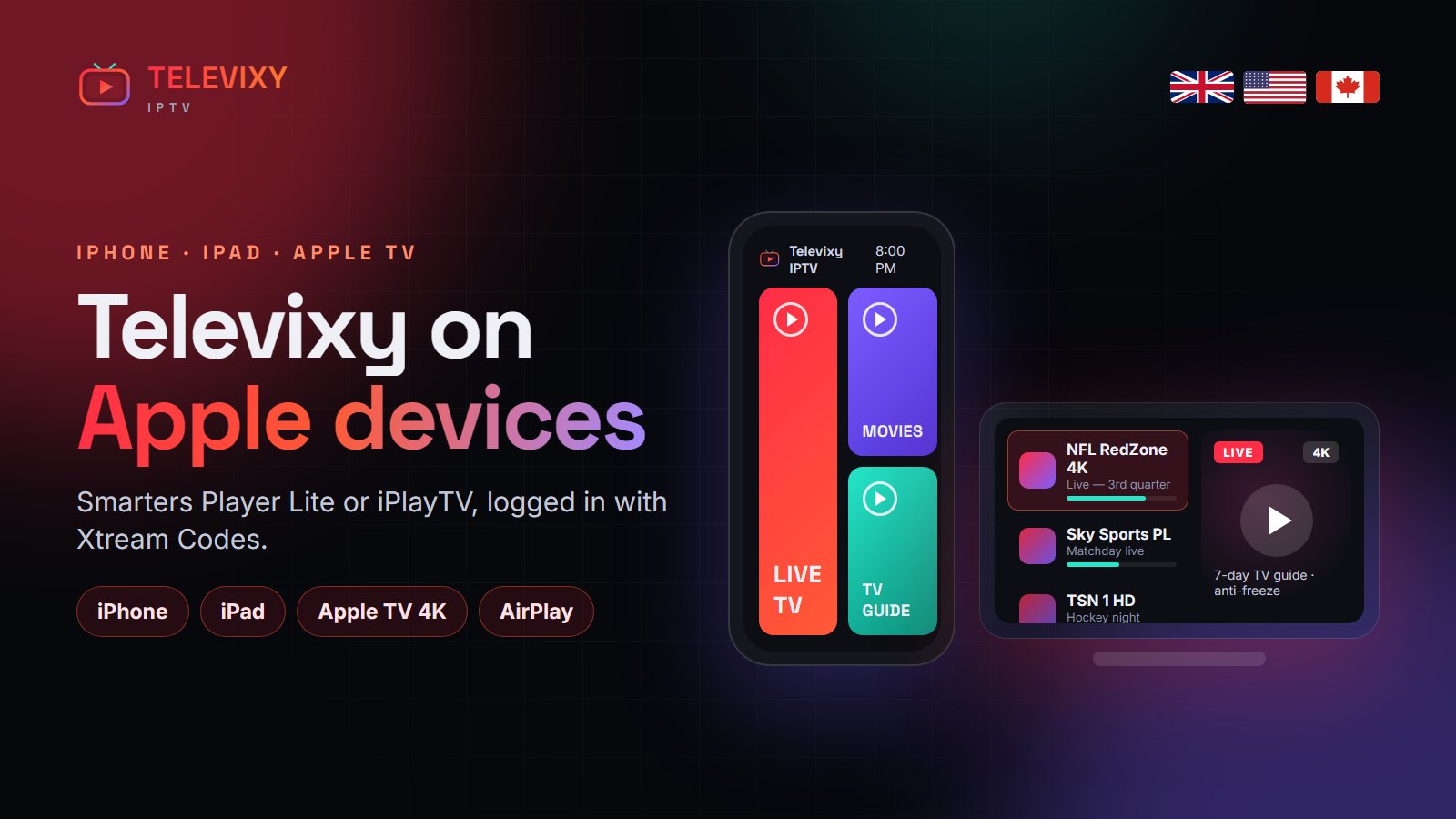
The best way to watch IPTV on iPhone, iPad and Apple TV is IPTV Smarters Player Lite or iPlayTV from the App Store, logged in with Xtream Codes. Install the app, choose Xtream Codes, enter your Televixy username, password and server URL, and the channels and guide load in about a minute.
Apple’s devices are some of the nicest to watch IPTV on — fast processors, great screens, and on Apple TV 4K one of the best remotes around. The App Store does not allow apps that come with channels, so you install an empty player and add your subscription to it.

Best IPTV players for Apple devices
| App | iPhone / iPad | Apple TV | Strengths |
|---|---|---|---|
| IPTV Smarters Player Lite | Yes | Yes | Free, Xtream Codes, VOD and series |
| iPlayTV | Yes | Yes | Polished guide, best on Apple TV |
| GSE Smart IPTV | Yes | Yes | M3U and Xtream, many options |
| IBO Player | Yes | Yes | Same app as on Smart TVs |
Setup on iPhone and iPad
- Open the App Store and install IPTV Smarters Player Lite.
- Open it, accept the terms and choose Login with Xtream Codes API.
- Name: Televixy. Enter your username, password and server URL exactly as sent.
- Tap Add user. Live TV, Movies and Series appear on the home screen.
Setup on Apple TV
- On the Apple TV, open the App Store and install iPlayTV or Smarters Player Lite.
- Choose Xtream Codes and type your login with the Siri Remote (or the Apple TV Remote on your iPhone for faster typing).
- Set the guide time zone in the app settings so the EPG matches your channels.
AirPlay works too: start a channel on your iPhone and mirror it to an Apple TV or AirPlay-compatible TV. For daily viewing, a native app on the Apple TV is smoother.
Watching on mobile data
An HD channel uses about 1.5–3 GB an hour, 4K far more. On a phone screen, choose the SD or HD version of a channel when you are not on Wi-Fi.
More IPTV guides worth reading
Other guides for watching IPTV on phones and streaming devices:
- KiloTV — an IPTV service with a large North American channel list.
- TrendyScreen — a premium IPTV service with a big UK and US sports line-up.
- Nartiel8K’s streaming device guide — Firestick, Shield, Chromecast and Android boxes compared.
Frequently asked questions
What is the best IPTV app for iPhone?
IPTV Smarters Player Lite is free and supports Xtream Codes; iPlayTV has the most polished guide.
Can I watch Televixy on Apple TV?
Yes. Install iPlayTV or IPTV Smarters Player Lite on the Apple TV and log in with your Televixy Xtream Codes details.
Does Televixy have its own iOS app?
No — you use a standard player such as Smarters Player Lite. Your Televixy login fills it with channels.
Watch Televixy on your iPhone tonight
Free 24-hour trial — install Smarters Player Lite and log in within five minutes.